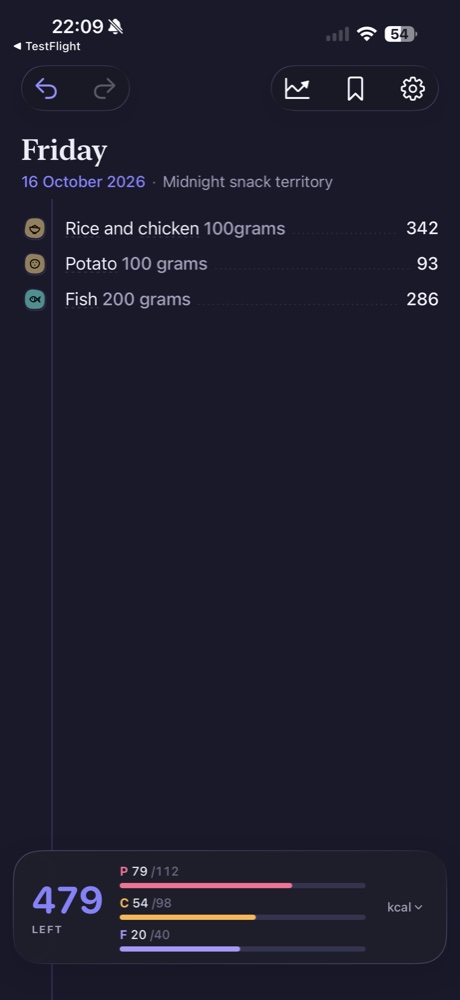
Barcode scanning is useful when the food in front of you is a packaged product. It gives you another way to identify the item without typing out its full name. In Morsel, barcode scanning is included in Free as well as Pro. The important follow-up is to check that the entry represents the product and amount you ate.
Start with the package you have
Use the product’s barcode rather than a picture of a different product or an old package. After scanning, compare the matched item with the label: product name, variation and any preparation description that matters. A similar name is a reason to check more carefully, not proof of a perfect match.
If a product is not matched as expected, keep the package nearby. You can describe the food by typing instead. Pro also includes food-label photo logging, which is a different input method from scanning the product barcode.
Confirm the serving basis
Read the serving size printed on the nutrition label and compare it with the portion in the journal. Some labels present information per serving; others also show values per package. FDA guidance recommends checking both serving size and servings per container before interpreting the numbers.
For an illustrative calculation, if a package contains two equal servings and you ate the whole package, recording only one serving would describe half the package. This is a quantity example, not nutrition information for a particular product.
Check what was actually eaten
An unopened package weight may not equal your consumed portion. You might share a snack, use part of a container or leave some food behind. Match the journal quantity to the amount eaten, then review the result in the day’s entries.
Avoid logging the same food twice through different methods. If you type a product and then scan it, review whether both entries remain. Scanning should help describe the meal you ate, not silently become an extra meal.
Keep typing as a fallback
A barcode is convenient, but it is not required for every food. Loose produce, homemade dishes and unpackaged meals can be described in words. Choosing the method that fits the food is more practical than trying to force every entry through the scanner.
Source: FDA: Serving Size on the Nutrition Facts Label.
Compare typing a meal with photo and label logging.